Add or Remove Whitelists
Whitelist on MutoPad is a rundown of overseer supported addresses by which, just these addresses can partake in the IDO’s. The whitelist capability can be both empowered during the making of an IDO, preceding the start of the IDO and during a continuous IDO.
As described in the “Creating a Launchpad” section, the owner can choose to utilize whitelist by clicking on the “Public” or “Whitelist” option.
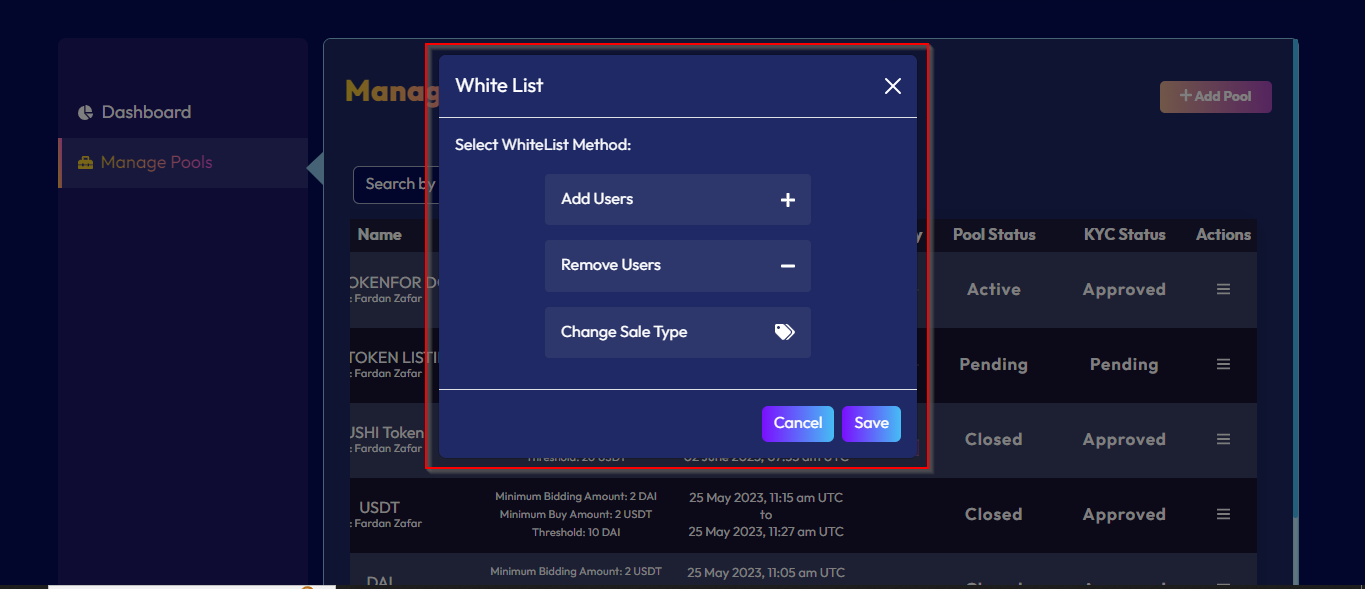
Once the IDO is created, owners can update the sale type options from whitelist to public and public to whitelist. Owners can also add whitelist addresses, remove whitelist addresses and change sale type as mentioned in the picture below.