Update a Launchpad
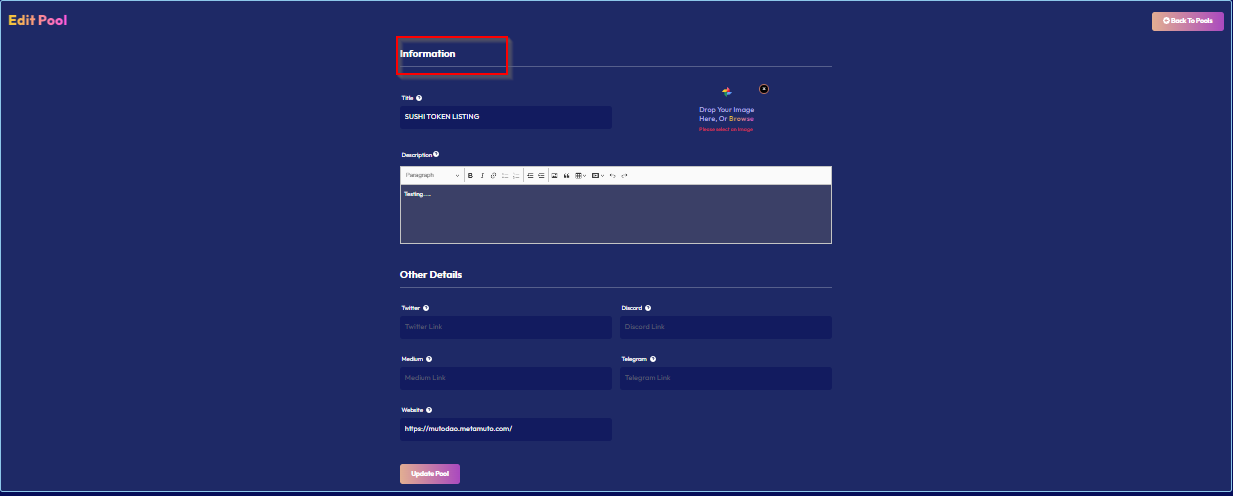
You can view and change some essential data about your platform through these means:
- Go to the “Manage Pools” section in your dashboard. Select the particular pool.
- Click on “Hamburger Menu” on the right corner and click on “Edit”, and you'll be able to see your pool here.
- Update the required information and click on “Update pool”. A metamask transaction will take place and your pool will be updated.